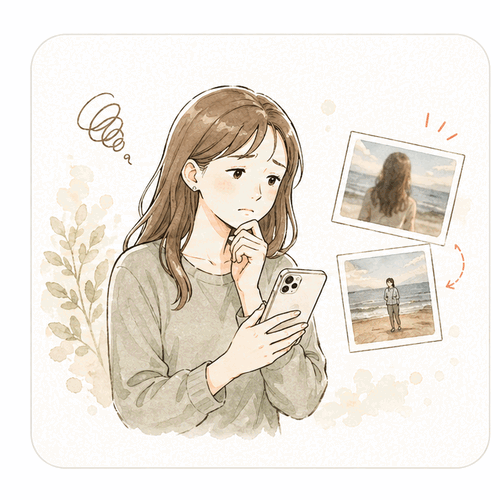
You get the phone back and think…
“Hmm.”

A remote camera you can frame from a second iPhone
No more asking,
“Can we take that again?”
Connect two iPhones.
See the live frame from where you stand,
then take the shot yourself.
- Core features free · No ads
- No account required
- Photos stay on your devices
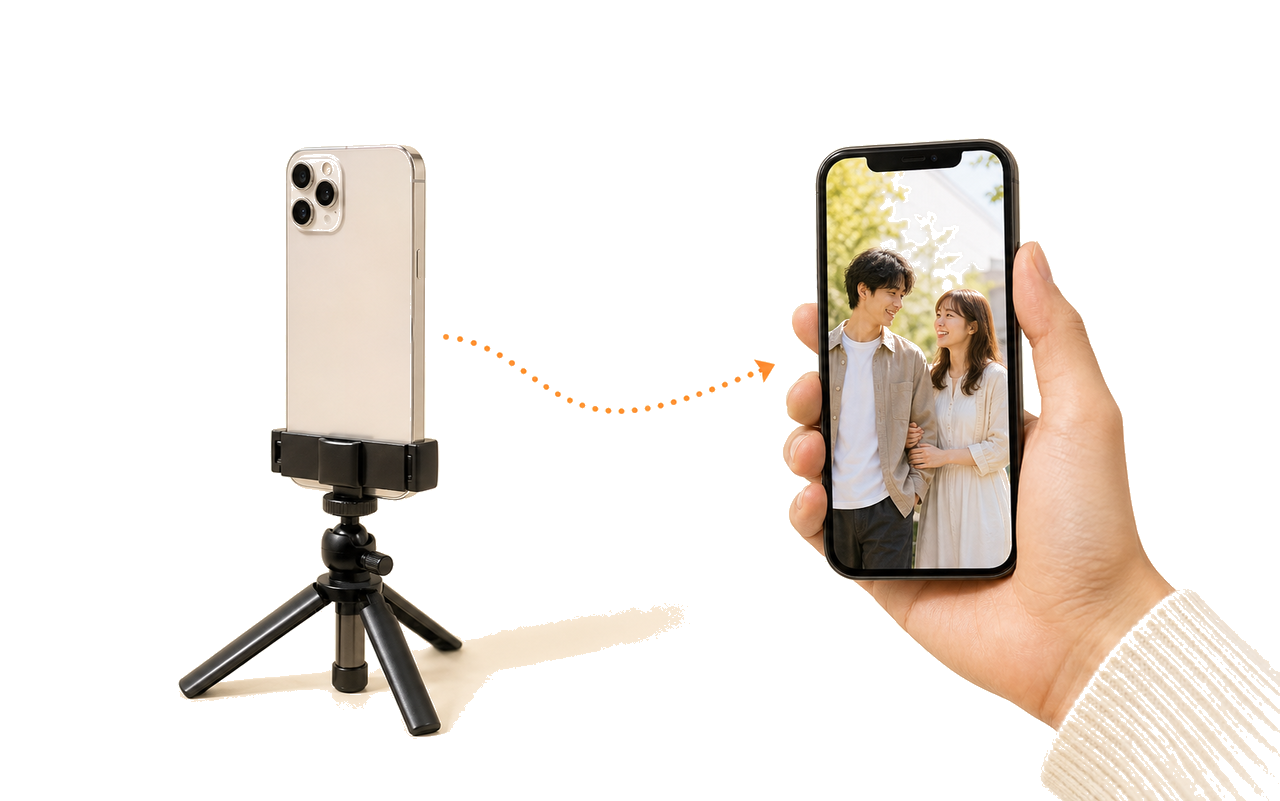
ABOUT TOTTE
What is totte?
totte connects two iPhones directly. One becomes the camera; the other becomes a live viewer and remote shutter. The person in the photo can check the composition from where they stand and take the shot at the right moment—without handing a phone to a stranger or squeezing the whole scene into a selfie.
- What you need
- Two iPhones running iOS 17 or later
- Connection
- Direct P2P connection—no internet required
- Price
- All features are free to use
- Your photos
- Saved to the in-app gallery on both devices
Getting the photo you imagined is harder than it should be.

Asking, “A little to the left…”
feels awkward
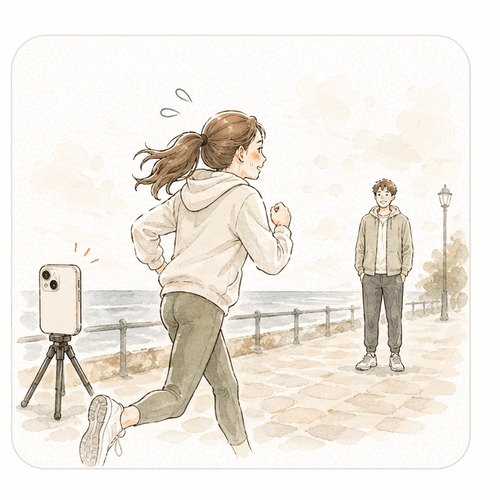
The timer starts, so you
race back into place
totte is the third option.
Take a selfie
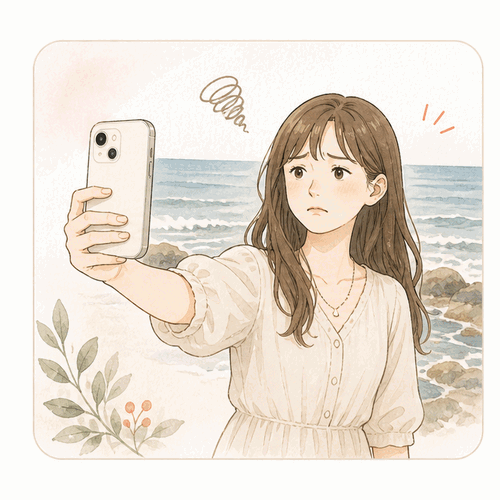
Easy and on your time,
but the frame is tight
Ask someone
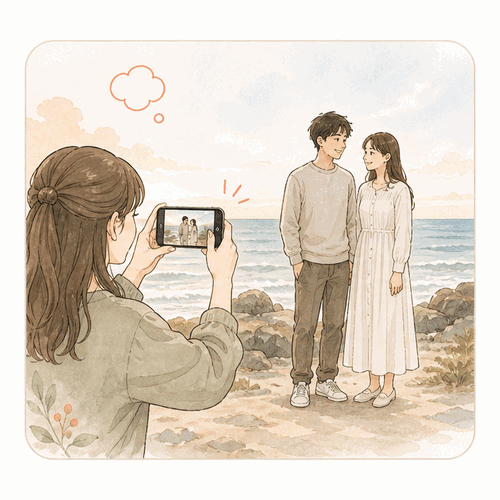
Great camera quality,
but they choose the frame
Use totte
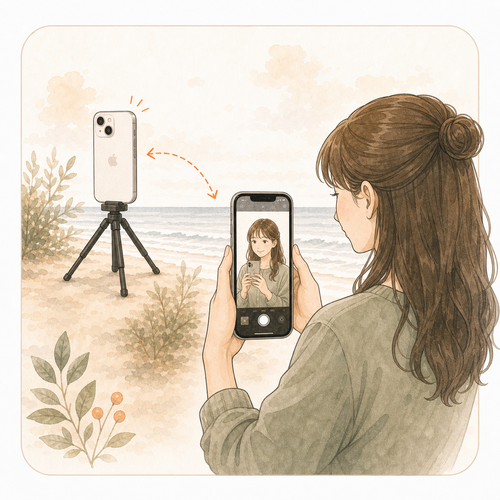
You choose the frame
and the moment
Three simple steps.
1
Choose roles
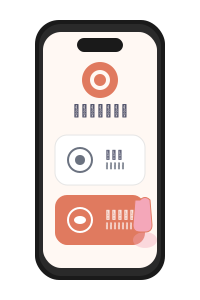
Set one iPhone as Camera and the other as Viewer.
2
Enter the 4-digit code
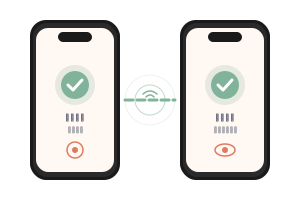
Type the Camera’s code on the Viewer to connect.
3
Frame and shoot
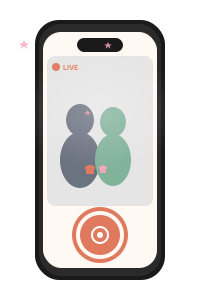
Check the live view and tap the shutter from your hand.
Made for the moments you want to be in.



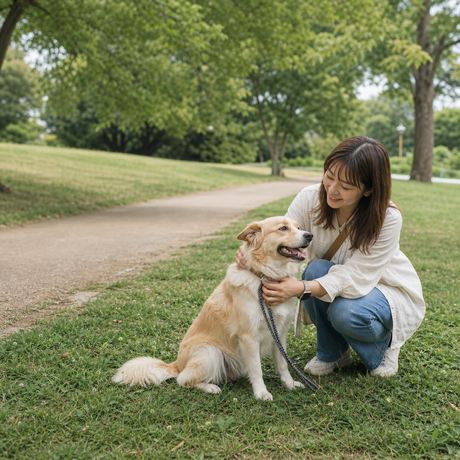


Three reasons to choose totte.
You control the composition.
Keep the view, the people, and the moment exactly where you want them.
It works without the internet.
The two iPhones connect directly over P2P—no mobile data or shared Wi-Fi network required.
Your photos stay yours.
The live feed and photos are exchanged only between your two devices.

Keep the composition
you actually wanted.
Download for free. All you need is two iPhones.
Frequently asked questions
Before you start
Do both iPhones need the app?
Yes. Install totte on both iPhones. Set one device as the Camera and the other as the Viewer.
Can I use totte without internet access?
Yes. The two iPhones connect directly over P2P, so shooting does not require mobile data or a shared Wi-Fi network. Keep Wi-Fi, Bluetooth, and Local Network access enabled on both devices.
Is Android supported?
Not at this time. totte supports iPhones running iOS 17 or later.
Using totte
How do the two iPhones connect?
Choose Camera on one iPhone and Viewer on the other. Enter the 4-digit code shown on the Camera into the Viewer to start the connection.
Does totte record video?
totte currently supports photo capture. Video recording is not available.
What can I control from the Viewer?
You can see the live composition, take a photo, toggle the grid, tap to focus, and use a volume button as the shutter. Flash, zoom, and exposure are adjusted on the Camera, and their effect appears in the Viewer.
How far apart can the two iPhones be?
They can usually be separated far enough for a full-body photo, but range depends on the devices, obstacles, and nearby wireless traffic. Move them closer if the connection becomes unstable.
Privacy & saving
Where are photos saved?
Photos are saved to the in-app gallery on both the Camera and Viewer. You can manually export selected shots to Photos or enable automatic saving on either iPhone.
Are photos or the live feed uploaded to the cloud?
No. The live feed and photos are exchanged only between the two connected iPhones. If you opt in to diagnostics, crash data may be sent, but it never includes the contents of your photos, video feed, or audio.
Is totte free?
Yes. The app download and all features are currently free to use. Some features may become paid in the future.
Looking for connection steps or a detailed feature guide?
Open the Help Center